

Something I hear from business owners very often: that feeling of opening your laptop and immediately being overwhelmed because you have to hunt through 15 different places just to figure out what you’re supposed to be doing today. (…and inevitably getting sucked into distractions or lower priority tasks along the way)
Let’s be honest, many of us start our days like digital archaeologists, digging through emails, checking three different calendars, opening multiple browser tabs, and somehow still missing that important client deadline buried in last Tuesday’s text message.
Sound familiar?
The Real Problem
Last week, I watched a brilliant business owner open 47 browser tabs just to get a handle on her day. Email inbox, project management tool, accounting software, social media scheduler, client communications in three different apps, and her to-do list scattered across digital sticky notes.
She looked at me and said, “I feel like I’m always behind before I even start.”
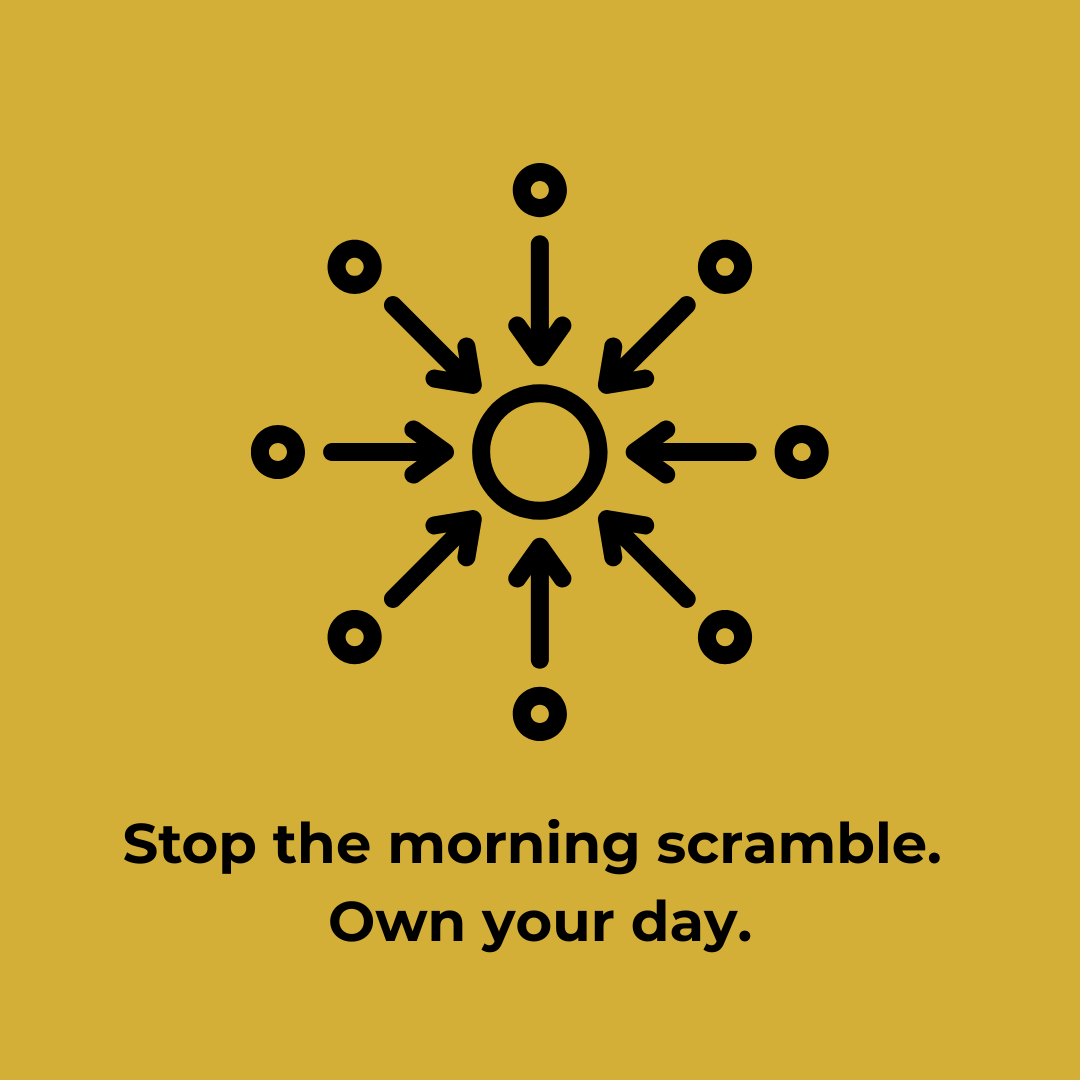
The problem isn’t that you have multiple tools – you need different tools for different jobs. The problem is having no home base, no primary hub where you can get oriented before diving into details or come back to during the day to reorient yourself.
A Command Center can help:
- One primary place to start your day
- A touchpoint throughout the day to reorient and refocus
- Customized to YOUR specific needs
- A launching pad to your other tools, not a replacement
- A way to see priorities before getting lost in details
It’s NOT:
- Another complicated system to maintain
- A place to do all your work
- One-size-fits-all solution
The Foundation Building Block Approach
A Command Center won’t solve every organizational problem in your business. What it will do is give you a solid foundation to build and learn from.
You’ll still have other apps and tools because that’s the reality of our digital workplace but now you have an organized starting point that helps you know what needs attention today and ensure that you can find the right tool quickly.
When you’re ready to streamline or automate later, it becomes much easier because you will already know how everything connects.
Building Your Command Center
Four essential elements:
- Today’s Priorities – Not your entire to-do list, just the 3-5 things that truly matter today
- Key Numbers – The 3-4 metrics that tell you how your business is doing
- Important Communications – Messages that need your attention today
- Quick Tool Access – Organized shortcuts to what you use daily
Making It Yours
Your command center needs to fit how YOU work. Ask yourself:
- What information do I need first thing every morning?
- What decisions do I make that need context in one place?
- Which tools do I use daily vs. occasionally?
- What would make my mornings feel a little calmer?
Starting your day with clarity instead of chaos gives you back mental energy you didn’t realize you were spending on organizational overhead. You can build a command center yourself or if you need help, let us know. We have a proven method to roll this out that is guaranteed to help you make more sense of your digital world.
Quick win for next week: Pick one place and write down your top 3 priorities for tomorrow before you end today.